Meeting Intelligence
Watch, read and question any recorded meeting from its item in monday.com.
Stage 1: In internal use
The problem it solves
A meeting's recording, transcript, summary and action items sat in separate columns and links, so checking what was said meant opening each one and scrubbing through the call.
| Before | After |
|---|---|
| Recording, transcript and summary in separate links | One view of the meeting on its item |
| A flagged moment found by scrubbing the recording | Click a signal to jump to that moment |
| Questions asked one meeting at a time | Ask Sidekick across several meetings at once |
What it does
Meeting view
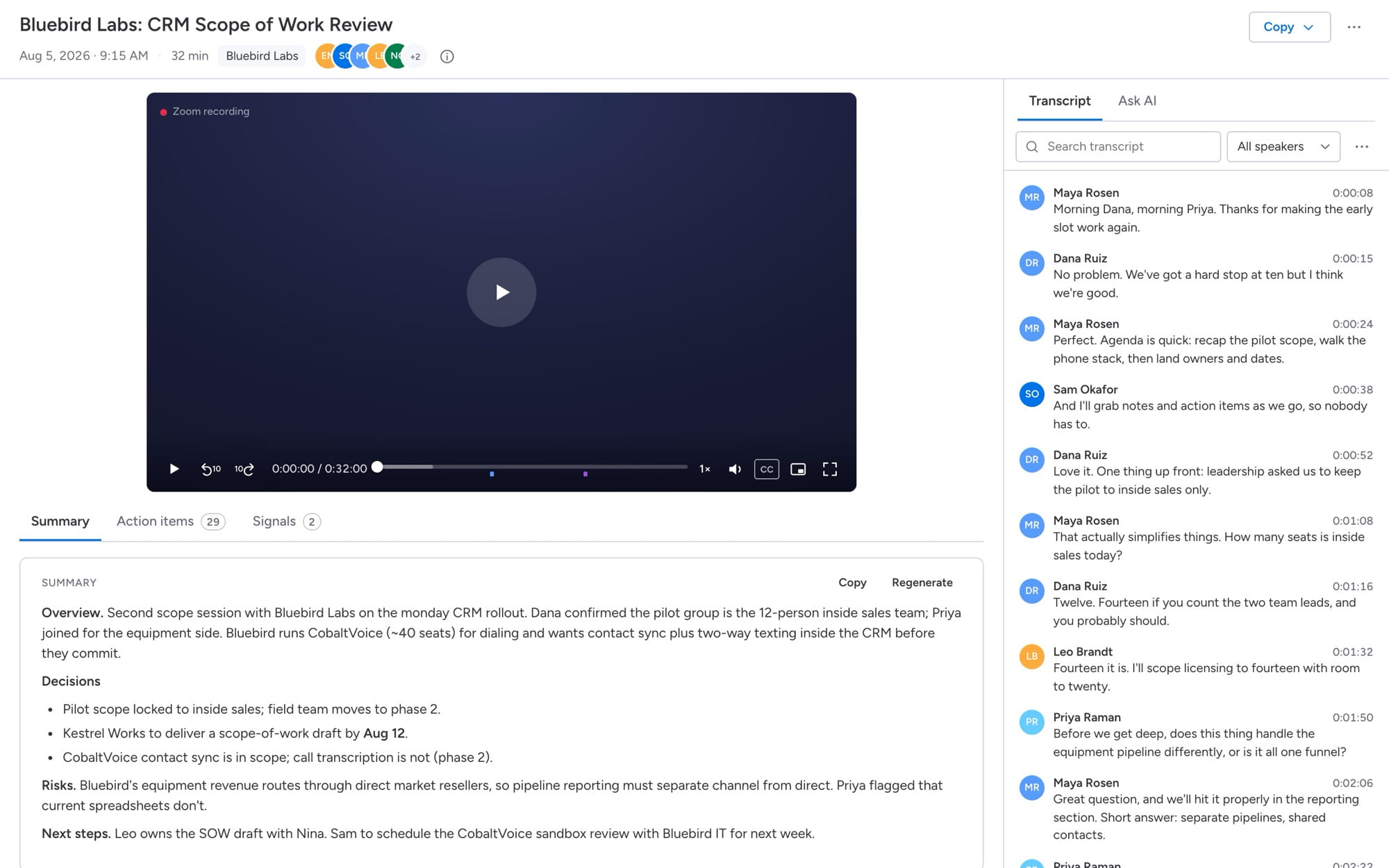
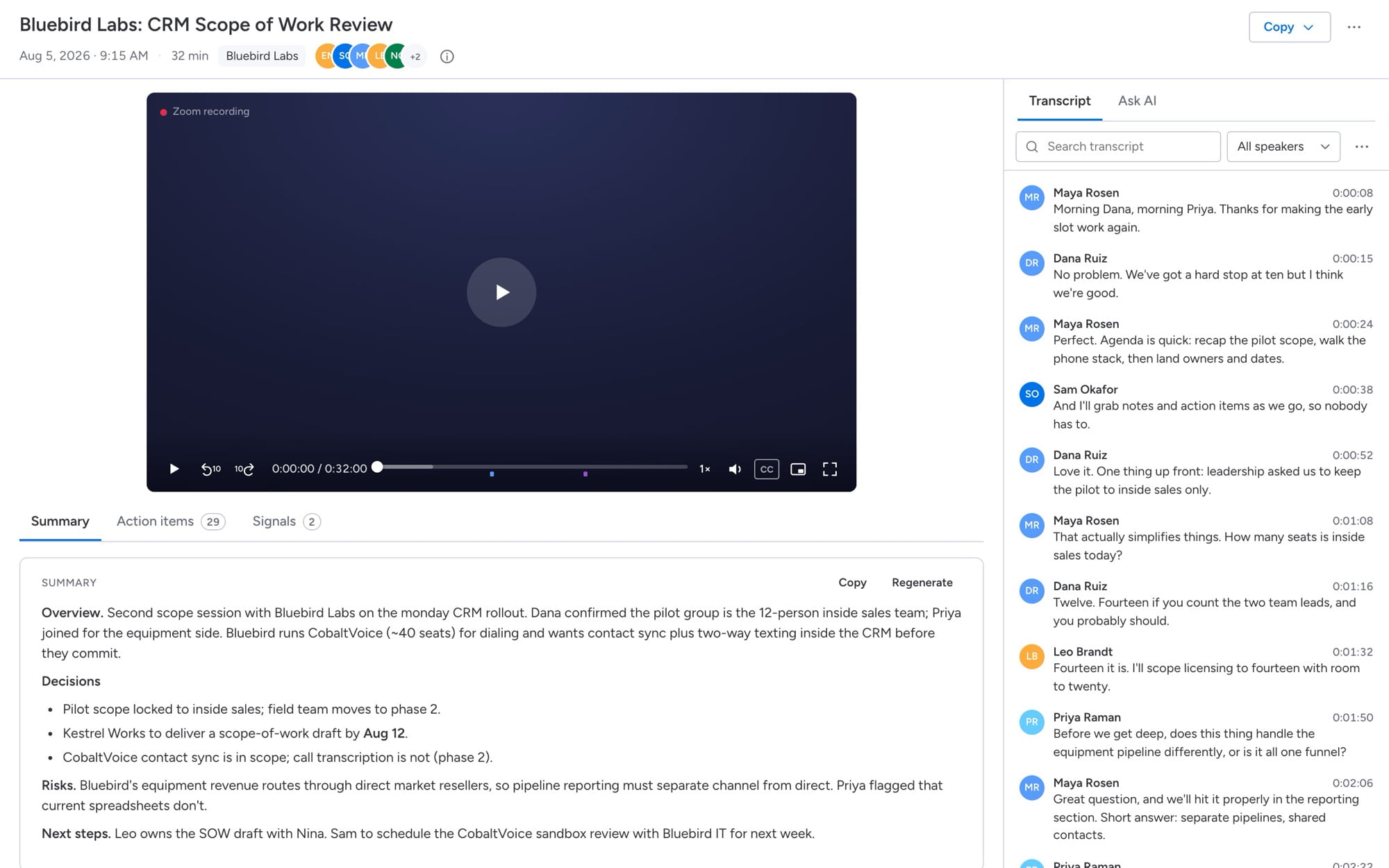
The recording, transcript and summary for one meeting, on its item. Open it from the meeting's item card on the meetings board.
- Recording, transcript and summary in one place, on the meeting's own item.
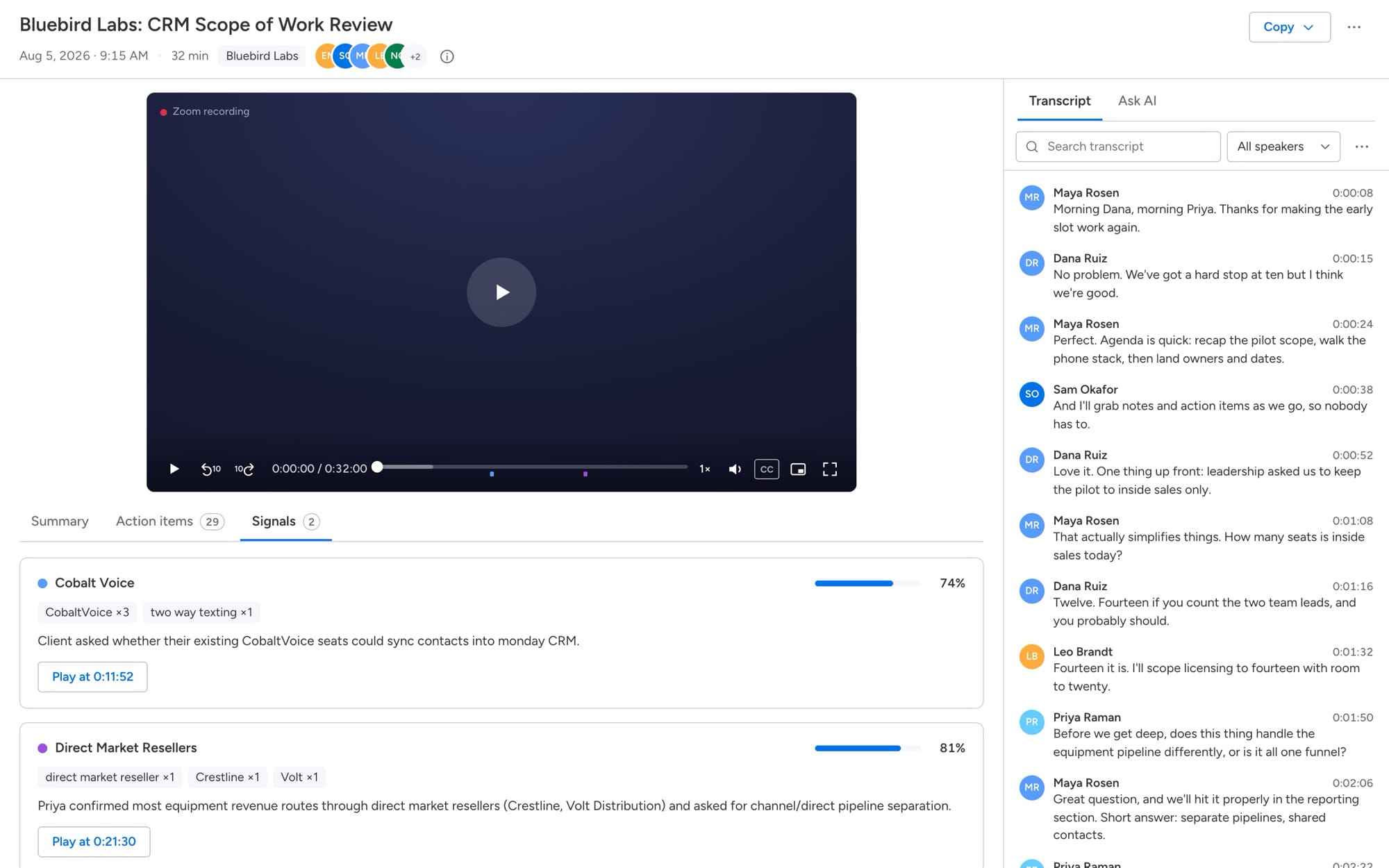
Signals timeline
Moments the AI flagged, such as a change order or an escalation, on the meeting's timeline. Click a signal to jump to that point in the meeting and listen.
- Click a signal to hear the moment it came from.
- Change orders and escalations are the signal types in use now.
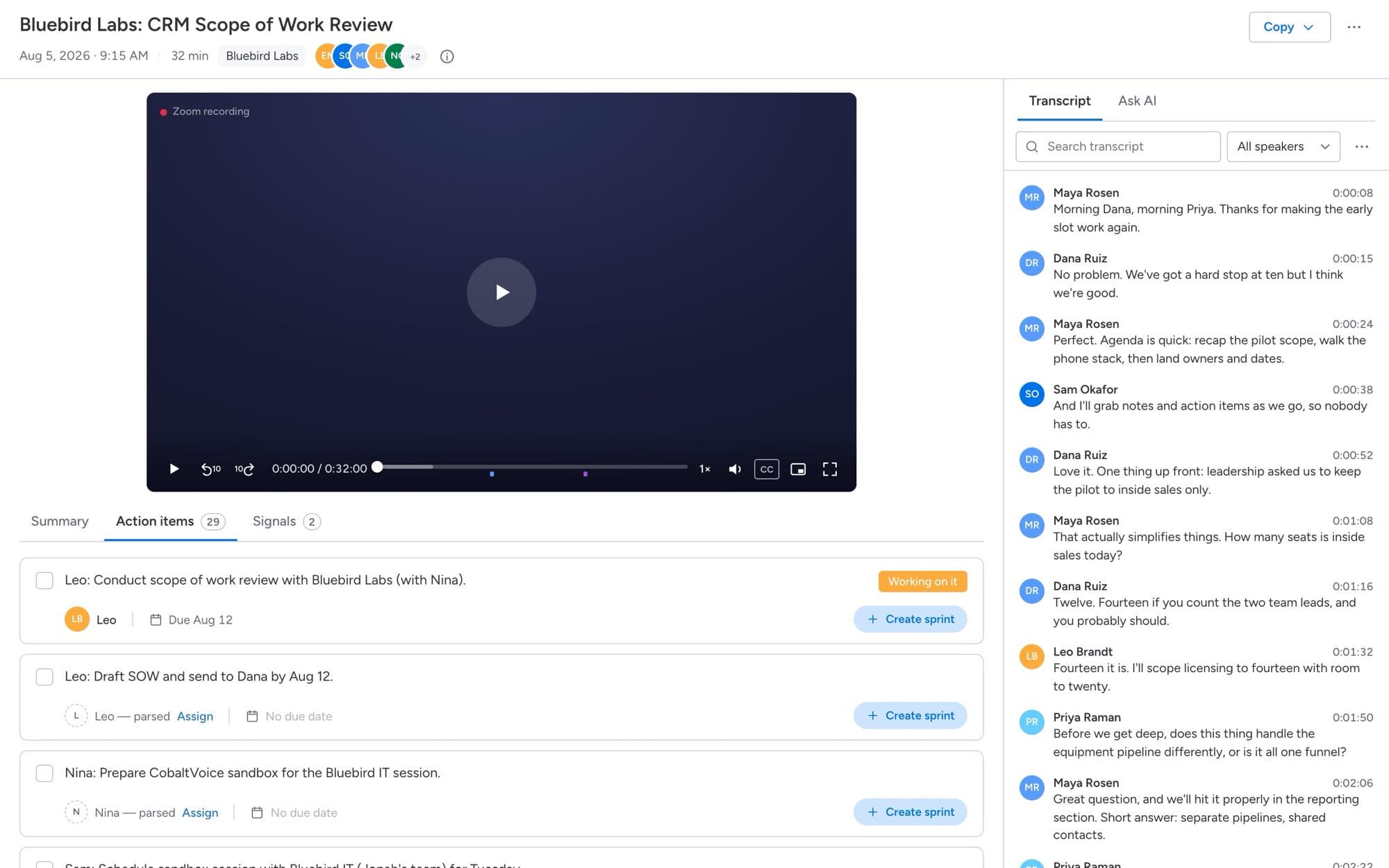
Action items
The meeting's action items, each linked to the moment it was agreed. Extra tasks the AI spots are tagged Suggested by Meeting Intelligence.
- Each action links to its timestamp in the recording.
- AI suggestions are tagged so they stand apart from agreed tasks.
Board view
Search and filter every meeting on the board, and ask Sidekick about several at once. Select the meetings you care about and ask one question across all of them.
- AI search and filters across every meeting on the board.
- Multi-select, then ask Sidekick one question about all of them.
Details
- What it is
- monday.com app with an item view and a board view
- Where it works
- Inside monday.com, on a meetings board
- Who uses it
- CarbonWeb program leads and delivery teams reviewing meetings and signals
- Owner
- Ali Zeb Khan